> ## Documentation Index
> Fetch the complete documentation index at: https://nightwatch.laravel.com/docs/llms.txt
> Use this file to discover all available pages before exploring further.
# Laravel Forge
> Get started with Nightwatch on Laravel Forge
## Prerequisites
First, follow the regular steps in our [quick start guide](/start-guide) to begin.
## Automatic integration (recommended)
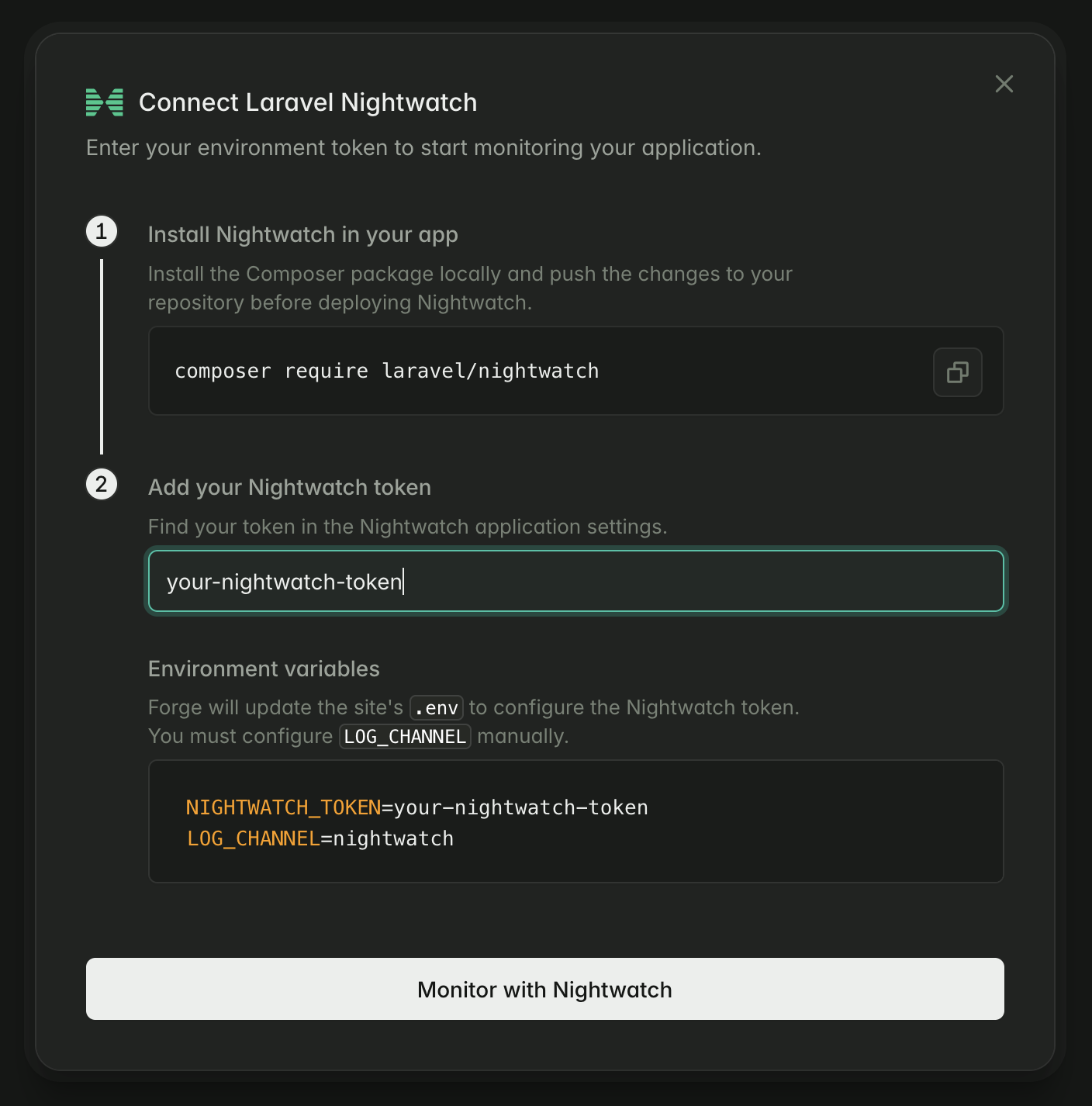
Laravel Forge offers built-in support for Nightwatch. Get setup in minutes:
1. Navigate to the **Overview** tab for a site that has `laravel/nightwatch` installed.
2. Click **Connect Nightwatch**.
3. Add your environment token.
4. Click **Monitor with Nightwatch**.
5. Optionally [configure logging](/logs).
 ***
## Manual integration
To ensure the agent runs as a continual process on your Forge server, we ***strongly recommend*** running the Nightwatch agent as a **background process**.
### Steps
1. Navigate to the **Environment** section of the **Settings** tab for a site that has `laravel/nightwatch` installed.
2. Add your environment’s `NIGHTWATCH_TOKEN` and press **Save**.
3. Navigate to the **Processes** tab for the site.
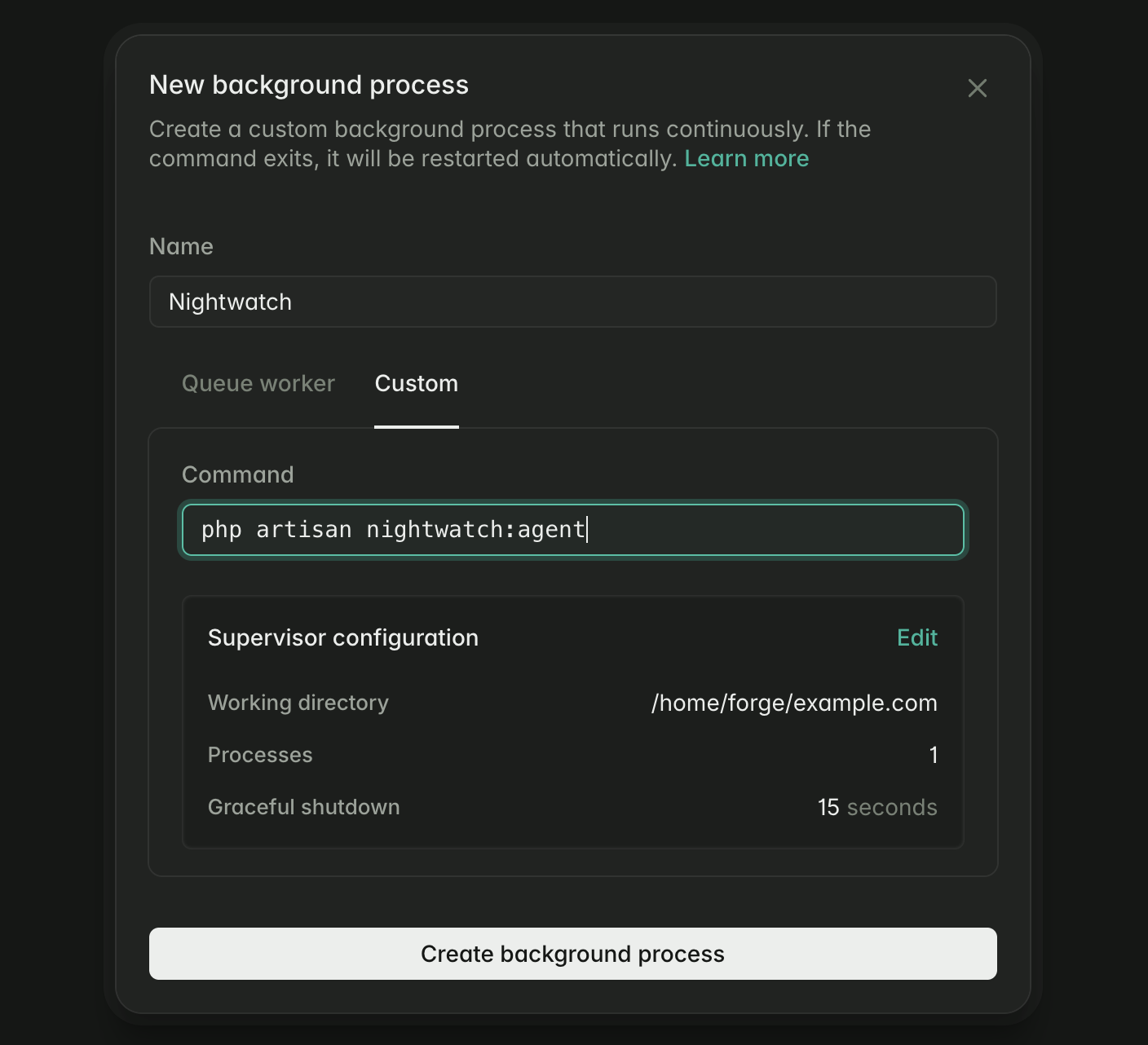
4. Click **Add background process** and select the **Custom** tab.
5. Add the `nightwatch:agent` artisan command (see below example).
6. Optionally [configure logging](/logs).
### Example daemon configuration
| Setting | Value |
| :-------------------- | :------------------------------------------- |
| **Name** | `Nightwatch` |
| **Command** | `php artisan nightwatch:agent` |
| **Working directory** | `/home/forge/example.com` *(your site path)* |
| **Processes** | `1` |
| **Graceful shutdown** | `15` |
***
## Manual integration
To ensure the agent runs as a continual process on your Forge server, we ***strongly recommend*** running the Nightwatch agent as a **background process**.
### Steps
1. Navigate to the **Environment** section of the **Settings** tab for a site that has `laravel/nightwatch` installed.
2. Add your environment’s `NIGHTWATCH_TOKEN` and press **Save**.
3. Navigate to the **Processes** tab for the site.
4. Click **Add background process** and select the **Custom** tab.
5. Add the `nightwatch:agent` artisan command (see below example).
6. Optionally [configure logging](/logs).
### Example daemon configuration
| Setting | Value |
| :-------------------- | :------------------------------------------- |
| **Name** | `Nightwatch` |
| **Command** | `php artisan nightwatch:agent` |
| **Working directory** | `/home/forge/example.com` *(your site path)* |
| **Processes** | `1` |
| **Graceful shutdown** | `15` |