> ## Documentation Index
> Fetch the complete documentation index at: https://nightwatch.laravel.com/docs/llms.txt
> Use this file to discover all available pages before exploring further.
# Account
> Manage your personal account settings and preferences
Navigate to your [Profile](https://nightwatch.laravel.com/settings/profile) settings to customize your Nightwatch experience. On this page, you can update your name, security settings, and display preferences.
## Security Settings
You may enable two-factor authentication (2FA) to add an extra layer of security to your account. Once 2FA is enabled, you'll be required to provide a verification code in addition to your password when signing in.
As an administrator of an organization, you can also enforce 2FA for all users
in the organization. See the [Organizations](/organizations#enforcing-2fa)
page for more information.
## Notification Preferences
Navigate to the [Notifications](https://nightwatch.laravel.com/settings/notifications) page in your account settings to configure preferences for each application and environment. For each environment, you can choose to receive notifications for exception issues, performance alerts, or both.
The following events trigger notifications for each issue type:
* New issue created, resolved or reopened
* Issue assigned to you
Notifications are sent via email by default. You can also configure [Slack notifications](/slack) for real-time alerts.
## Display Preferences
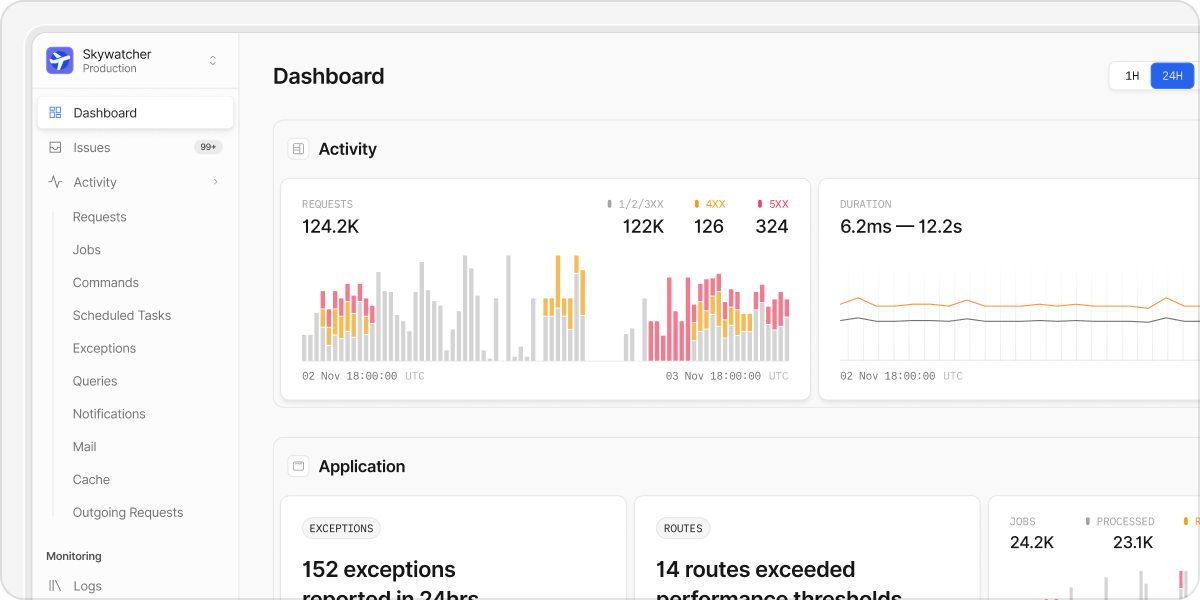
Nightwatch supports both light and dark themes. You can switch between themes in your [Profile](https://nightwatch.laravel.com/settings/profile) settings.
 ## Deleting Your Account
If you need to delete your account, you can do so from your account settings. Deleting your account is a destructive action and will remove all personal data associated with your
account. This action is permanent and cannot be undone.
If you're the only remaining admin of an organization, deleting your account
will also delete the organization and all of its data. To keep the
organization and its data, add another admin before deleting your account.
## Deleting Your Account
If you need to delete your account, you can do so from your account settings. Deleting your account is a destructive action and will remove all personal data associated with your
account. This action is permanent and cannot be undone.
If you're the only remaining admin of an organization, deleting your account
will also delete the organization and all of its data. To keep the
organization and its data, add another admin before deleting your account.